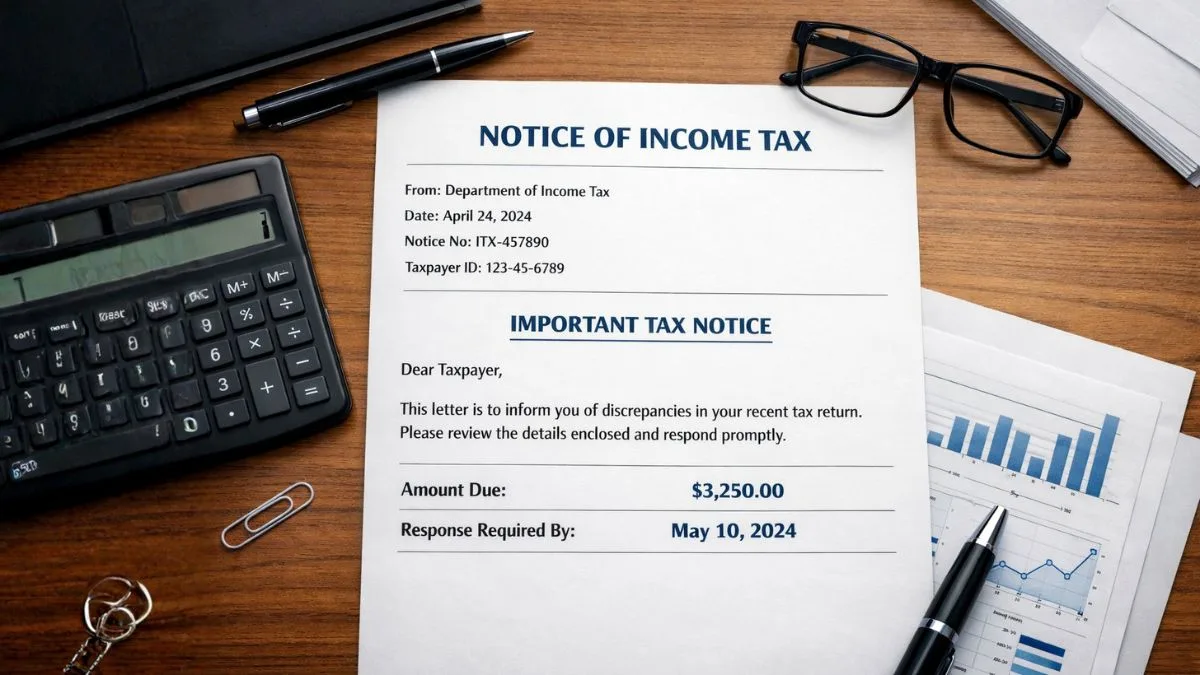
Got notice from income tax
You open your email.
Or maybe you log into the tax portal casually.
And suddenly you see a message—a notice from the income tax department.
For many people, that moment feels uncomfortable. Even a little scary.
Heart rate goes up. Thoughts start racing.
“Did I make a mistake in my income tax return?”
“Is there a penalty coming?”
“Will there be a tax demand?”
Let’s slow down for a second.
Because the truth is, receiving income tax notices is actually very common today. The system is automated, and sometimes the department simply wants clarification.
So the first rule?
Do not panic, as many income tax notices are automated, but do not ignore it to avoid penalties.
Yes. Both things matter.
Neither Panic nor Ignore.
Why People Suddenly Get a Notice from Income Tax
A lot of taxpayers imagine that getting a notice means something serious has happened.
Most of the time, that’s not the case.
What usually happens is much simpler.
The tax department’s system compares multiple pieces of information:
- Your filed income tax return
- Data from AIS (Annual Information Statement)
- Details from Form 26AS
- Bank reports
- TDS reports filed by employers or deductors
If the numbers don’t match somewhere, the system generates a notice.
That’s it.
Sometimes it's just a small mismatch.
Sometimes a TDS amount error.
Sometimes additional information is needed.
And occasionally the message might say something like
Your return has been selected for detailed scrutiny by your assessing officer.
Even that sounds scarier than it usually is.
First Thing to Do After Receiving the Notice
Pause.
Take a breath.
Now think about this logically.
The first step is not replying immediately. The first step is verification.
You need to confirm that the notice actually came from the Income Tax Department.
Why?
Because fake tax notices do exist.
So the department itself recommends this step:
Verify the notice's authenticity on the Income Tax Department's portal using your PAN and the DIN (Document Identification Number).
Every genuine notice carries a DIN.
If the DIN matches on the portal, it’s legitimate.
If it doesn’t… you may be looking at a fraudulent communication.
Step 1: Log in into the Income Tax Portal
Before doing anything else, log into the income tax portal.
Once inside your account, go to the section that lists communication from the department.
You will see:
- Active notices
- Compliance requests
- Pending actions
Sometimes taxpayers first receive the message by email, but the official notice will always appear inside the portal.
If it’s not there, something’s wrong.
Step 2: Understand What the Notice Is Actually Asking
Here’s something interesting.
Many people read only the first two lines of a notice and immediately assume the worst.
But tax notices usually follow a structured format.
The document normally mentions:
- Financial year involved
- Relevant section of the Income Tax Act
- Nature of discrepancy
- Deadline for response
Look carefully at the response timeline.
Often the message clearly states:
You have 15 days to respond to this notice
or sometimes
15 to 30 days to reply.
Deadlines matter here. Missing them can escalate the issue.
One of the Most Common Reasons: TDS Mismatch
Let’s talk about a situation that happens very frequently.
A TDS Amount Error.
Imagine this.
Your employer deducted TDS from your salary and reported ₹120,000.
But when filing your income tax return, you accidentally entered ₹100,000.
That ₹20,000 difference triggers the system.
The department sends a notice asking for clarification.
Now here’s the interesting part.
In many cases, taxpayers don’t even realize the mismatch happened.
It’s just a data entry mistake.
Another Reason: AIS and Form 26AS Differences
The AIS statement today is extremely detailed.
It records things like the following:
- Interest income
- Dividend income
- Stock transactions
- High-value banking transactions
When filing your income tax return, if you forget to report something that appears in AIS, the system flags it.
That leads to income tax notices.
Again, not always serious.
Just a request for explanation.
When the Notice Mentions Scrutiny
Sometimes the wording in the notice may say something like
Your return has been selected for detailed scrutiny by your assessing officer.
Now this one definitely makes people nervous.
But here’s the context.
Scrutiny simply means the officer wants to verify details of your income tax return more carefully.
They may ask for:
- Income proof
- Bank statements
- Investment documents
- Expense records
It’s essentially a deeper check.
Still manageable.
How to Respond to the Notice
Once you understand the issue, the next step is preparing your reply.
This usually happens directly on the portal.
Typical response steps include the following:
- Login into the income tax portal
- Open the specific notice.
- Read the issue carefully
- Attach documents if required
- Submit your explanation
That’s all.
It sounds simple—but clarity in explanation matters.
If the issue is a TDS amount error, show the correct TDS details.
If income was missed, explain the correction.
If AIS data is incorrect, provide supporting proof.
A Quick Reality Check
Here’s something many taxpayers don’t realize.
Today, most notices are generated by automated systems.
No human officer manually selected your case initially.
The system simply saw a mismatch.
Generated a Notice.
Sent it.
Which is exactly why experts always say the following:
Neither Panic nor Ignore.
Ignoring it can lead to penalties or further notices.
But panicking doesn’t help either.
A calm response works best.
Small Mistakes That Often Trigger Income Tax Notices
Over the years, certain patterns appear again and again.
Here are common mistakes:
- Incorrect reporting on income tax return
- Ignoring AIS entries
- Claiming excess TDS
- Mismatch between Form 26AS and filed return
- Large bank transactions not explained
None of these automatically mean wrongdoing.
Sometimes they’re simply reporting gaps.
How Much Time Do You Have to Respond?
Usually the department gives taxpayers time to respond.
Often the notice clearly mentions the following:
You have 15 days to respond to this notice
But in some cases the response window may be longer.
For example:
15 to 30 days to reply.
Always check the exact deadline mentioned in the document.
Missing the deadline can lead to further action.
What Happens If You Ignore the Notice
Let’s be honest here.
Some taxpayers simply ignore income tax notices, hoping the issue will disappear.
That rarely works.
If the department receives no response:
- They may issue another notice.
- They may adjust refunds
- They may initiate assessment proceedings
- In some cases penalties may apply
So responding is always the smarter choice.
A Thought Most People Don’t Realise
Here’s something interesting.
Sometimes taxpayers assume the tax department already knows everything.
But the department’s systems rely on reported data.
If your income tax return explanation doesn’t match available records, the system simply asks for clarification.
That’s what a notice often is—a clarification request.
Nothing more.
Final Thoughts
Getting a notice from the tax department can feel intimidating at first. But once you understand how the system works, the situation usually becomes much less stressful.
Remember the basic rule: do not panic, as many income tax notices are automated, but do not ignore it to avoid penalties.
Verify the notice, log into the income tax portal, review the issue, reconcile data from AIS or Form 26AS, and respond within the allowed 15 to 30 days to reply.
And if the situation becomes confusing — especially when dealing with scrutiny or complex mismatches in your income tax return — it’s often helpful to consult experienced tax professionals. Platforms like Callmyca.com can guide you through responding to notices, preparing documentation, and ensuring everything is handled correctly without unnecessary stress.