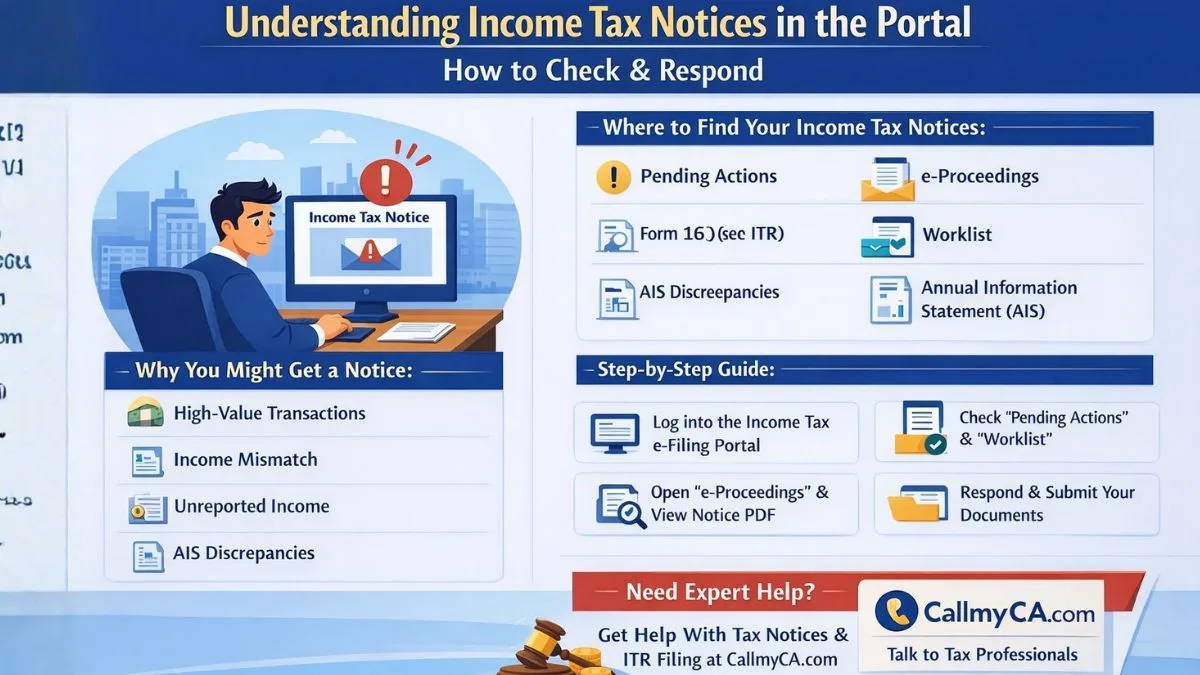
Understanding Income Tax Notices in the Portal
Getting a message from the income tax
A department can feel stressful. Most people instantly assume something has gone wrong with their tax return.
But here’s the interesting part—in many cases, an income tax notice is simply a request for clarification.
The government tracks financial information from several sources such as banks, employers, stock exchanges, and property registrars. This information gets matched with the details you provide while filing your return.
If the system finds a mismatch, it may send a notification through the portal.
Most people don’t realize this, but these notices are now completely digital. That means instead of waiting for a physical letter, taxpayers can easily check them online through the Income Tax e-Filing portal.
So if you’re wondering how to check your income tax notice in the portal, the process is actually simple. Let’s understand it step by step.
Why the Income Tax Department Sends Notices
Before we jump into the steps, it helps to understand why these notices appear in the first place.
The income tax department uses data analytics to compare information reported by banks, companies, and financial institutions with your tax return.
If something doesn’t match, the system flags it.
Common reasons include:
-
High-value transactions reported in Annual Information Statement (AIS)
-
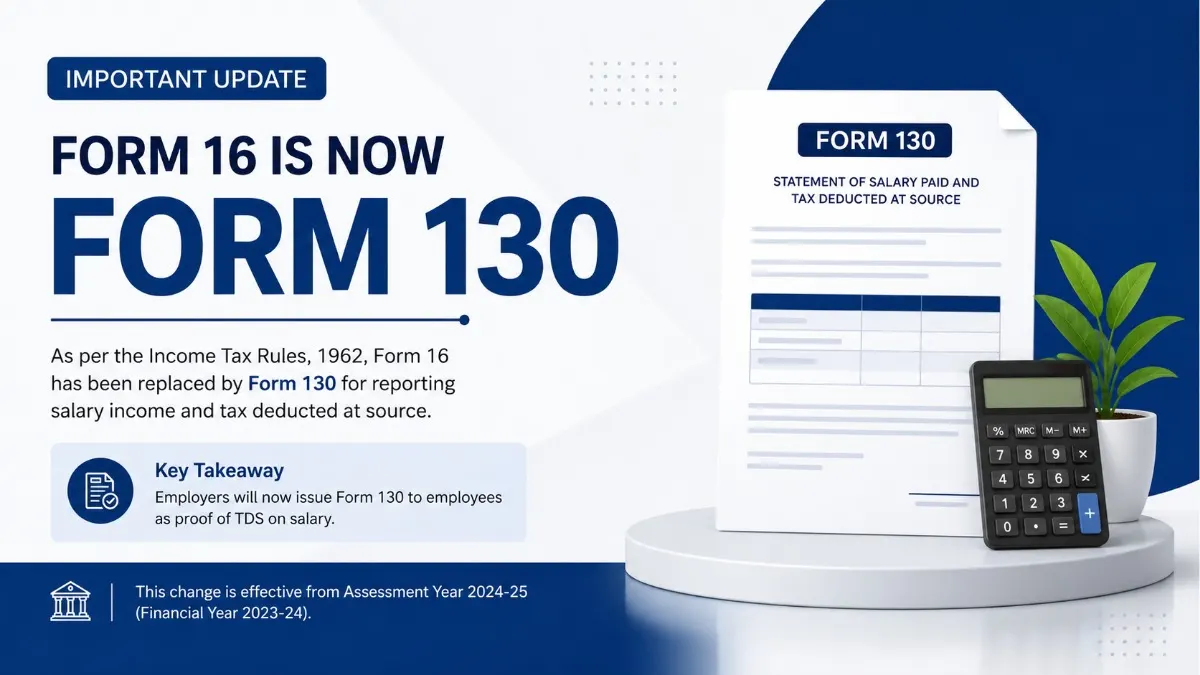
Income mismatch between Form 16 and ITR
-
Unreported interest income
-
Capital gains not reported properly
-
Large cash deposits in bank accounts
-
Foreign remittances or investments
-
Incorrect deductions claimed
And sometimes, the notice is simply asking for more information.
That’s why checking your notice directly in the portal is important.
Where Income Tax Notices Appear in the Portal
Most taxpayers assume notices appear in just one place.
Not exactly.
The Income Tax e-Filing portal actually shows notices in multiple sections. Depending on the type of notice, it may appear in different tabs.
You can check notices in:
-
Pending Actions
-
e-Proceedings
-
Worklist
-
Annual Information Statement (AIS)
Let’s walk through the exact process.
Step-by-Step Guide: How to Check Income Tax Notice in Portal
Now let’s understand how to check the income tax notice in the portal in the easiest way possible.
Step 1: Log in to the Income Tax e-Filing Portal
Start by visiting the official Income Tax e-Filing portal.
Log in using:
-
PAN or Aadhaar
-
Password
-
Captcha verification
Once logged in, you’ll land on your dashboard.
This dashboard is where the system displays alerts, notifications, and pending actions.
And yes—this is usually the first place where an income tax notice appears.
Step 2: Go to the “Pending Actions." Tab
After logging in to the portal, look at the main menu.
You’ll see a tab called Pending Actions.
Click on it.
Inside this section, you’ll find different categories, such as:
-
e-Proceedings
-
e-Campaign
-
Compliance Portal
If the income tax department has issued a notice requiring your response, it will usually appear here.
Step 3: Open the e-Proceedings Section
Next, click e-Proceedings.
This section is extremely important because it shows active notices issued by the department.
Inside e-Proceedings, you can:
-
View the notice
-
Download the notice PDF
-
Submit your response
-
Upload supporting documents
This is one of the most commonly used sections of the portal when dealing with income tax notices.
And honestly, most people miss this section.
Step 4: Check the Worklist Section
Now here’s something many taxpayers overlook.
Some notices appear in the Worklist instead of Pending Actions.
To access it:
-
Go to the portal dashboard
-
Navigate to the Worklist section
-
Click on For Your Action
Here you may find:
-
Notices requiring response
-
Requests for additional documents
-
Compliance alerts from the Income Tax department
If a notice requires action, it will usually show a deadline.
Ignoring these deadlines can lead to penalties.
So keep an eye on this section.
Step 5: Check Annual Information Statement (AIS)
Another place where alerts may appear is the Annual Information Statement (AIS).
You can find this under the Services tab in the portal.
The Annual Information Statement (AIS) shows detailed financial information reported to the income tax department, including
-
Bank interest
-
Stock market transactions
-
Mutual fund investments
-
Property transactions
-
Foreign remittances
If there is a mismatch between your tax return and the Annual Information Statement (AIS), the department may raise a compliance notice.
That’s why reviewing your AIS regularly is a smart move.
How to Download Income Tax Notice PDF
Once you locate the notice in the portal, downloading it takes only a few seconds.
Here’s how:
-
Open the notice in e-Proceedings
-
Click "View Notice."
-
Select Download PDF
The file will contain details such as the following:
-
Section under which notice is issued
-
Reason for notice
-
Required documents
-
Deadline for response
Always read the notice carefully before submitting a reply.
Small details matter here.
Types of Income Tax Notices You May Receive
Not all income tax notices are serious.
Some are simply informational.
Here are some common types:
1. Section 143(1) Intimation
Sent after your return is processed.
It confirms whether your return calculation matches the department’s records.
2. Section 139(9) Defective Return Notice
Issued when your ITR contains errors or missing information.
3. Section 142(1) Inquiry Notice
Requests additional information or documents.
4. Section 148 Notice
Issued if the department believes income has escaped assessment.
5. Compliance Notice for AIS Mismatch
Triggered when transactions in the Annual Information Statement (AIS) don’t match your reported income.
Most notices today are digital and available directly in the portal.
What to Do After Receiving an Income Tax Notice
First thing — don’t panic.
Seriously.
The majority of income tax notices are routine checks.
Instead, take these steps:
-
Read the notice carefully
-
Identify the reason for the notice
-
Collect supporting documents
-
Respond through the portal
If you’re unsure about the response, consulting a tax professional is a smart idea.
Because replying incorrectly can create complications later.
Common Mistakes People Make While Checking Notices
Let’s talk about a few mistakes that taxpayers often make.
These small errors can cause unnecessary trouble.
1. Ignoring portal notifications
Many taxpayers rely only on email alerts. But sometimes notices appear only inside the portal.
2. Missing deadlines
Every notice comes with a response timeline.
Ignoring it can lead to penalties.
3. Not checking AIS before filing ITR
If your return doesn’t match the Annual Information Statement (AIS), the system may trigger a notice.
4. Downloading the notice but not responding
Reading the notice is only half the job. If a response is required, it must be submitted through the portal.
Tips to Avoid Income Tax Notices
While notices can’t always be avoided, following a few simple practices can reduce the chances significantly.
-
Always check Annual Information Statement (AIS) before filing the ITR.
-
Report all bank interest income
-
Verify capital gains from stocks or mutual funds
-
Match Form 26AS with your return
-
Keep documentation for high-value transactions
-
File returns before the due date
Most people don’t realize this, but accurate reporting dramatically reduces income tax scrutiny.
Final Thoughts
Learning how to check income tax notices in a portal is an essential skill for every taxpayer today.
The entire system has moved online, and most communication from the income tax department now happens digitally through the portal.
By regularly checking sections like Pending Actions, e-Proceedings, Worklist, and Annual Information Statement (AIS), you can stay updated and respond to notices on time.
And honestly, once you go through the process once, it becomes very easy.
Just a few clicks.
That’s it.
Need help responding to an income tax notice or filing your return correctly?
Experts at Callmyca.com help individuals and businesses handle income tax notices, ITR filing, and compliance smoothly. If you want professional guidance without the confusion, it might be worth checking out their services.