13, Mar 2026
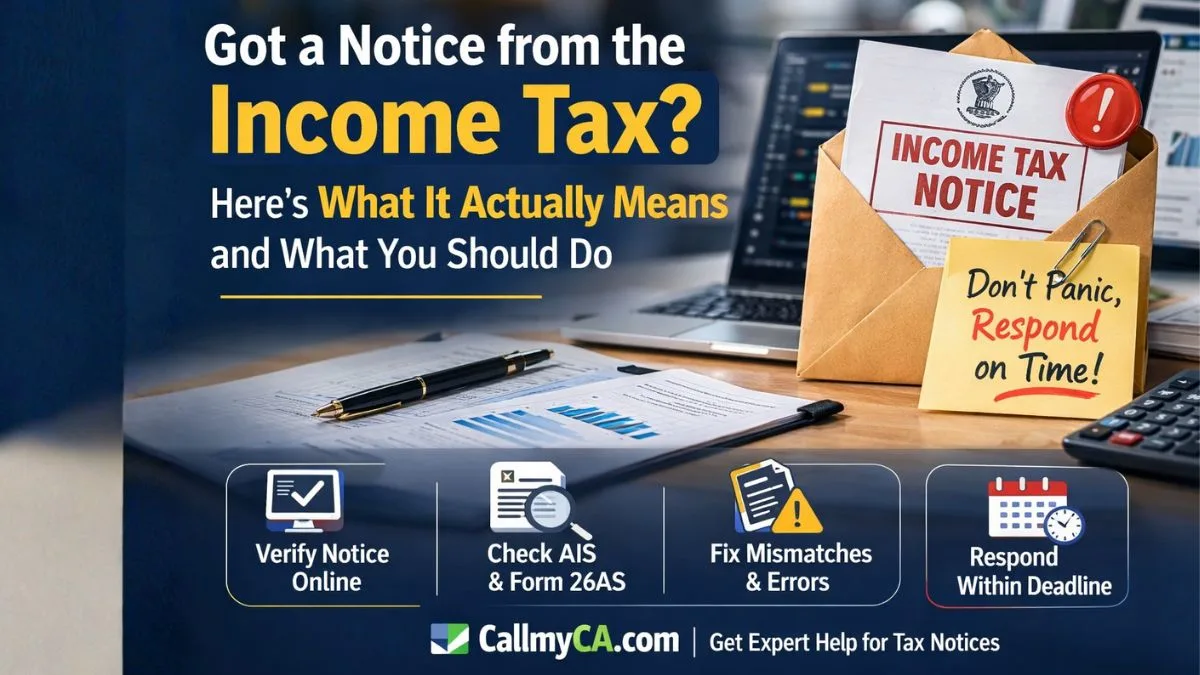
Got a notice from the income tax? First—Don't Panic
Seeing an email or message that you got a notice from income tax can instantly make anyone nervous. Many people assume they’ve done something wrong.
But here’s the truth.
Do not panic, as many income tax notices are automated, but do not ignore it to avoid penalties.
Yes, that’s important.
The Income Tax Department’s system automatically compares data from banks, employers, and financial institutions with your income tax return. When something doesn’t match, the system generates notices.
That doesn’t always mean fraud or a serious problem.
Often, it’s just a clarification request.
Still, ignoring the notice can lead to penalties or further scrutiny.
So the smart move is simple: understand it and respond properly.
Why You May Receive an Income Tax Notice
Most people receive income tax notices for small mismatches in reported financial information.
Let’s understand the most common triggers.
1. TDS Mismatch
A very common reason is a TDS amount error.
For example:
-
The employer deducted TDS, but it wasn't properly reflected in the return
-
The bank reported interest income but you missed it
-
Form 26AS data does not match the income tax return
When this happens, the department sends a notice asking for clarification.
2. AIS or Form 26AS Mismatch
Financial institutions report data to the tax department.
This includes:
-
Salary income
-
Bank interest
-
Mutual fund investments
-
Stock transactions
-
High-value purchases
If the information in AIS or Form 26AS differs from your income tax return, automated notices are generated.
3. High-Value Transactions
Sometimes the tax department detects large transactions such as the following:
-
Property purchase
-
Large bank deposits
-
Foreign transfers
-
Credit card spending
If these transactions appear inconsistent with your declared income, a notice may be issued.
4. Return Selected for Scrutiny
In some cases, the department may inform you of the following:
Your return has been selected for detailed scrutiny by your assessing officer.
This means the officer wants to review your income tax return in detail.
It doesn’t always mean wrongdoing—sometimes returns are selected randomly.
But it does require proper documentation.
First Step: Verify the Notice Is Genuine
Before doing anything else, verify whether the notice is real.
Tax scams are increasing, and fake emails pretending to be tax notices are common.
So always confirm authenticity.
You should:
-
Log into the income tax portal.
-
Check the Notice section in your account.
-
Match the DIN number mentioned in the communication.
This is crucial.
Verify the notice's authenticity on the Income Tax Department's portal using your PAN and the DIN (Document Identification Number).
If the notice is not available on the portal, it could be fake.
How to Check the Notice on the Income Tax Portal
Follow these steps.
-
Log into the income tax portal.
-
Go to the Pending Actions tab.
-
Click e-Proceedings or e-Compliance.
-
Open the relevant notice.
-
Read the section mentioned in the notice.
This will tell you exactly what the department wants.
Sometimes the issue is very small—like a TDS amount error.
Understanding the Deadline to Respond
Once a notice is issued, the department gives a deadline to respond.
Typically:
-
You have 15 days to respond to this notice.
-
In some cases there are 15 to 30 days to reply.
Missing the deadline can lead to further action.
So even if you need professional help, start preparing immediately.
How to Respond to an Income Tax Notice
Responding to income tax notices is usually straightforward if you follow the right steps.
Step 1: Identify the Section Mentioned
Every notice mentions a section of the Income Tax Act.
This section explains why the notice was issued.
For example:
-
Section 142(1) – request for additional information
Understanding the section helps you respond correctly.
Step 2: Reconcile Your Data
Before replying, verify your financial records.
You should compare:
-
AIS
-
Form 26AS
-
Bank statements
-
Investment records
The key step is reconciling data (e.g., in AIS/Form 26AS) with your income tax return.
If a TDS amount error exists, correct the return or explain it.
Step 3: Prepare Supporting Documents
The tax department may ask for documentation.
Common documents include:
-
Salary slips
-
Form 16
-
Bank statements
-
Investment statements
-
Property purchase documents
Having these ready makes the response easier.
Step 4: Submit Response Online
Most notices can be answered directly on the tax portal.
After you log into the income tax portal, go to the relevant notice and upload your explanation.
Make sure your response is:
-
clear
-
accurate
-
supported by documents
A good explanation often closes the case quickly.
The Golden Rule: Neither Panic Nor Ignore
When people receive income tax notices, they usually react in two ways.
Either they panic.
Or they ignore the message completely.
Both are mistakes.
Remember this simple rule:
Neither Panic nor Ignore
Instead:
-
read the notice carefully
-
verify it on the portal
-
respond within the deadline
That approach solves most problems.
Common Mistakes People Make
Many taxpayers unknowingly make errors that trigger notices.
Some examples include:
-
Not reporting bank interest
-
Ignoring AIS data
-
Filing incorrect income tax return details
-
Forgetting foreign income
-
Missing TDS entries
Even small mistakes can trigger automated notices.
The good news is most of them are fixable.
When the Notice Requires Scrutiny
If the notice states that:
Your return has been selected for detailed scrutiny by your assessing officer.
Then the process becomes slightly more detailed.
The officer may ask for:
-
financial records
-
source of income proof
-
transaction explanations
But again, this is a standard process.
With proper documentation, most scrutiny cases are resolved.
Final Thoughts
Getting a message that you got notice from the income tax can feel stressful at first.
But the reality is simpler.
Many income tax notices are system-generated and meant to clarify small mismatches.
Just remember these key steps:
-
Do not panic, as many income tax notices are automated, but do not ignore it to avoid penalties.
-
Log into the income tax portal.
-
Verify the notice using PAN and DIN.
-
Check AIS and Form 26AS.
-
Fix issues like TDS amount errors.
-
Respond within 15 to 30 days to reply.
Most cases close quickly when handled properly.
And if the notice says you have 15 days to respond to this notice, act immediately.
If you got notice from income tax and want expert help responding correctly, reconciling AIS data, or fixing your income tax return, you can explore professional support from tax experts at Callmyca.com, where specialists handle tax notices and compliance matters every day.