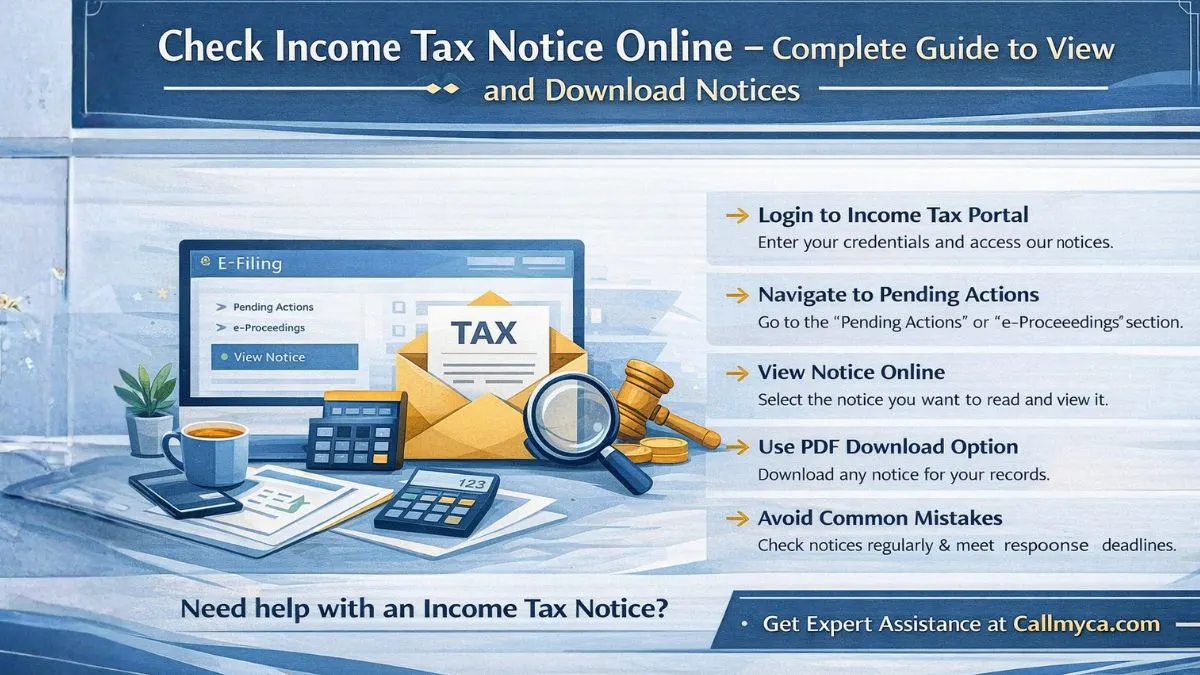
Check Income Tax Notice Online – Complete Guide to View Notice and Download
Sometimes taxpayers receive an income tax notice message from the Income Tax Department and immediately feel worried. But in many cases, a notice is simply a communication asking you to verify certain details or informing you about updates in your tax return.
The good part is that today you don’t need to visit any office to understand the notice. You can easily check income tax notice online through the official portal. The portal allows taxpayers to quickly view notice online, read the explanation, and even complete an income tax notice pdf download within minutes.
Understanding how to check income tax notice online helps you stay updated and respond on time if the department requires any clarification.
What Is an Income Tax Notice?
An Income Tax Notice is an official message sent by the Income Tax Department when they need to communicate something about your tax return or financial records.
A notice can be issued for many reasons. Sometimes it is only informational, while in other situations it may ask for clarification or documents.
Common situations where the department may send a notice include:
- Difference between reported income and official records
- Errors or mismatch in TDS details
- Incorrect deductions claimed in the return
- Delay in filing the income tax return
- Verification of high-value transactions
Whenever such a notice is issued, taxpayers can check income tax notice online and view notice online to understand the exact reason behind it.
Where to Check Income Tax Notice on Portal
Many taxpayers often ask where to check income tax notice on portal. The answer is simple — all notices are available on the official Income Tax Department e-Filing portal.
After logging in, you can find notices under sections like:
➤ Pending Actions
➤ e-Proceedings
➤ View Notice / Orders
From these sections, you can easily check income tax notice online and get an online view of the notice details.
The portal shows:
- Notice number
- Assessment year
- Reason for the notice
- Required action or response
This online view makes it easier for taxpayers to understand the situation quickly.
How to Check Income Tax Notice Online
If you want to check income tax notice online, the process is quite straightforward.
Follow these steps:
➤ Step 1: Visit the official Income Tax Department portal
➤ Step 2: Login using your PAN card, password, and captcha
➤ Step 3: Go to the Pending Actions section
➤ Step 4: Click on View Notice or e-Proceedings
➤ Step 5: Select the notice you want to read
➤ Step 6: Use the income tax notice pdf download option if needed
Once completed, you will be able to view notice online and understand the details provided by the department.
How to Check Income Tax Notice by PAN Card
Your PAN card is the key identity used by the Income Tax Department to track all tax records.
When you log in using your PAN, the system automatically shows notices related to your account.
To check income tax notice by PAN card:
- Login to the income tax notice portal using PAN
- Navigate to View Notice section
- Select the notice you want to read
- Open the online view of the notice
This method allows taxpayers to check income tax notice online safely and quickly.
How to Download Notice from Income Tax Portal
Sometimes you may need a copy of the notice for records or to share with a tax professional.
The income tax notice pdf download option helps you do this easily.
Follow these steps:
➤ Login to the Income Tax Department portal
➤ Go to View Notice / Orders
➤ Select the required notice
➤ Click Download PDF
After you download notice from income tax portal, you will get a complete document containing:
- Notice number
- Section under which notice is issued
- Assessment year
- Details of the issue
- Instructions from the department
Keeping this document saved is always a good practice.
Common Mistakes Taxpayers Should Avoid
When dealing with an Income Tax Notice, some common mistakes can create unnecessary trouble.
Avoid these mistakes:
- Ignoring the income tax notice message
- Not checking the online view of the notice
- Missing the response deadline
- Accepting the notice without reading details
- Submitting incomplete documents
The safest approach is always to check income tax notice online, understand the issue, and respond properly.
Final Thoughts
Being able to check income tax notice online has made tax compliance much easier. Instead of waiting for physical letters, taxpayers can simply log in to the income tax notice portal, view notice online, and complete an income tax notice pdf download whenever required.
If the notice seems confusing or you are unsure about the next step, getting professional help can save time and avoid mistakes.
Need help with an Income Tax Notice?
Visit Callmyca.com and get expert assistance to review your notice and guide you through the correct response process.