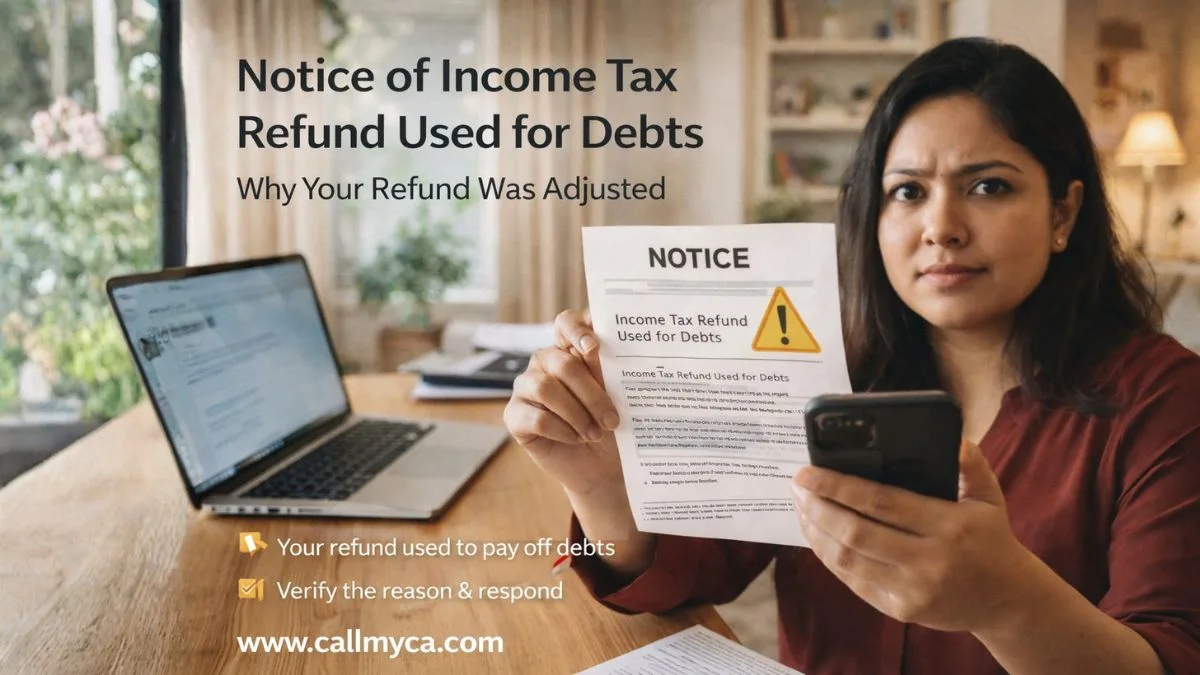
Notice of Income Tax Refund Used for Debts: Why Your Refund Was Adjusted
You were expecting a refund.
You even checked your bank account… but nothing came.
Instead, you receive a notice of income tax refund used for debts.
And suddenly, everything becomes confusing.
“Where did my refund go?”
“Why is the government taking my money?”
If this has happened to you, you’re not alone.
Many taxpayers face this situation every year where their income tax refund is adjusted against outstanding dues. It’s called a refund adjustment or tax offset.
And yes, it can be frustrating—especially when you were counting on that money.
What Does ‘Refund Used for Debts’ Actually Mean?
A notice of income tax refund used for debts simply means:
👉 Your refund has been used to pay off pending dues
These dues could be
- Previous income tax demand
- Penalties or interest
- Government-related liabilities
In India, this is done under Section 245, where the department adjusts your refund against outstanding demand.
In other countries like the US, it’s called a tax refund offset, where the government uses your refund to pay debts.
Why Was Your Income Tax Refund Adjusted?
Let’s be practical.
Your income tax refund is not always guaranteed to come to your bank account.
If you have any pending liability, the department can adjust it.
Common Reasons for Adjustment
- Unpaid tax from previous years
- Interest or penalties
- Demand raised after assessment
- Incorrect filing or mismatch
- Legal dues or government recovery
This is one of the most common income tax notice reasons people receive after their ITR is processed.
How Will You Know About This Adjustment?
The department does not adjust your refund silently.
You will receive a notification in the form of a notice.
This income tax notice after ITR is processed usually includes:
- Refund amount
- Adjusted amount
- Remaining balance
- Reason for adjustment
You may also get an email or SMS alert.
How to Check Your Refund Adjustment Status
If you’re confused, you can verify everything online.
Steps to Check Status
- Log in to income tax portal
- Go to “View Filed Returns."
- Check refund status
- Look for adjustment details
You can also complete the income tax notice PDF download from the portal to see full details.
Always cross-check before taking any action.
What is Section 245 (Refund Adjustment)?
Under Section 245:
👉 The department can adjust your refund against past dues
But there is a rule.
They must inform you before making the adjustment.
This is why you receive a notice of income tax refund used for debts.
You are usually given an option to agree or disagree.
Can You Stop the Adjustment?
Yes—but only if the demand is incorrect.
If you believe the adjustment is wrong, you can:
- Disagree with the notice
- Submit supporting documents
- Request rectification
For example:
If you have already paid the tax but it still shows as pending, you can challenge it.
What Happens If You Ignore the Notice?
If you don’t respond:
- The adjustment will be processed
- The refund will be reduced or cancelled
- Demand will be considered valid
So ignoring the notice means accepting it.
What is a tax offset system?
In some countries, this process is managed through a tax offset website login system.
For example:
- Government systems track outstanding debts
- The refund is automatically adjusted
- You can check status online
You may even find options like checking via phone or helpline (like the IRS offset phone number in the US).
The concept is the same—your refund is used to clear your dues.
Who Can Take Your Tax Refund?
This is a common concern.
People often ask, "Who can take your state tax refund online?"
Here’s the answer.
Your refund can be adjusted only by authorized government departments.
These include:
- Income Tax Department
- State revenue authorities
- Government agencies for legal dues
Private parties cannot access your refund.
What Should You Do After Receiving the Notice?
Don’t panic. Just follow these steps:
1. Read the Notice Carefully
Understand why the adjustment happened.
2. Verify the Demand
Check if the outstanding amount is correct.
3. Check Past Records
Look at previous returns and payments.
4. Decide Your Response
Agree or disagree with the adjustment.
5. Respond Online
Submit your response within the deadline.
Common Mistakes to Avoid
Many taxpayers make simple mistakes:
Ignoring the notice
Not checking old demand
Accepting without verification
Missing deadlines
Not downloading the notice
These mistakes can lead to unnecessary financial loss.
How to Avoid Refund Adjustments in Future
To avoid a notice of income tax refund used for debts, follow these steps:
- Clear all outstanding tax dues
- Regularly check your tax account
- Respond to notices promptly
- Match data before filing
- Keep records properly
A little attention can save you from surprises later.
When Should You Take Expert Help?
Some cases are straightforward.
But you should take professional help if:
- A large refund is adjusted
- Old demand is incorrect
- Multiple notices are received
- You don’t understand the reason
Experts can help you recover your refund if the adjustment is wrong.
Final Thoughts
A notice of income tax refund used for debts may feel frustrating, but it’s simply a process where the government adjusts your dues.
The key is
👉 Verify the reason
👉 Check your records
👉 Respond on time
In many cases, the issue can be corrected if handled properly.
Ignoring it, however, can cost you money.
Don’t Lose Your Refund Without Checking
If your refund has been adjusted and you’re not sure why, don’t leave it unchecked. Let experts review your case and help you recover your money—visit Callmyca.com and resolve your income tax issue quickly and confidently.